The Claude n8n integration is one of the most powerful combinations available for business automation in 2026. By connecting Anthropic’s Claude AI — with its industry-leading 200,000 token context window — to n8n’s open-source workflow automation platform, businesses can build genuinely intelligent automation systems that go far beyond simple if-then rules.
Furthermore, unlike other AI models, Claude brings exceptional reasoning, precise instruction following and superior structured output — making it particularly well suited for complex business automation workflows. In this guide, we explain exactly how the Claude n8n integration works, why it is superior to alternatives and how businesses are using it to save hundreds of hours every month.
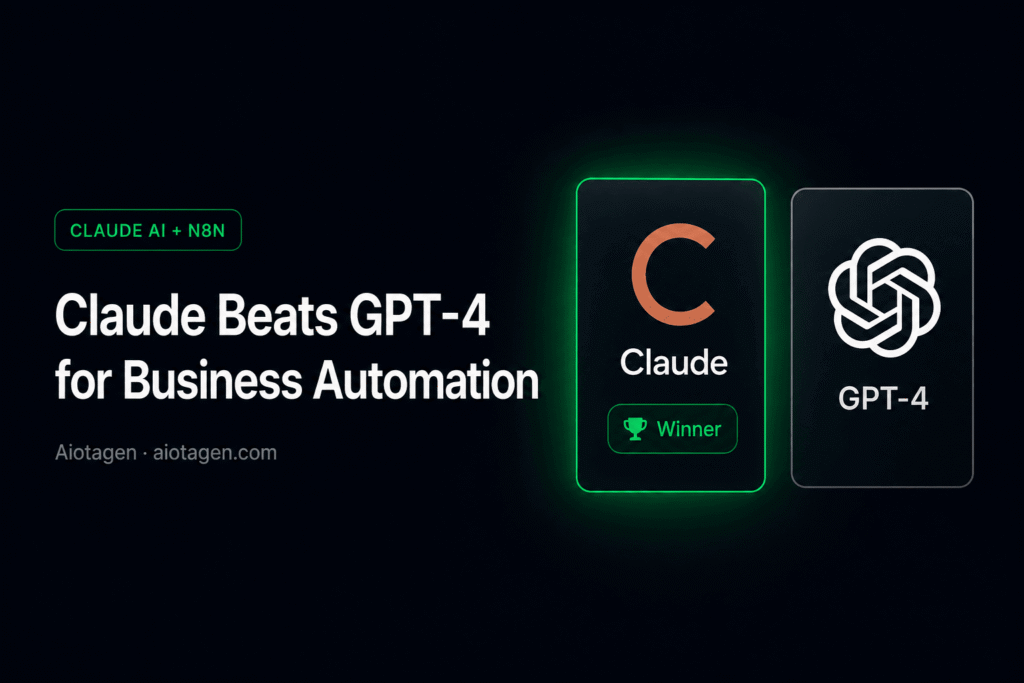
Why Claude Beats GPT-4 for Business Automation
Before diving into the integration setup, it is worth understanding why Claude specifically is the best AI model to use with n8n — rather than GPT-4 or other alternatives.
- 200,000 token context window
- Superior instruction following
- Consistent structured JSON output
- Better reasoning on complex tasks
- Lower hallucination rate
- Excellent at long document analysis
- Strong safety and compliance posture
- 128,000 token context window
- Good general purpose performance
- Strong multimodal capabilities
- Larger developer community
- Higher cost at scale
- More variable output consistency
- Good but less precise on complex logic
Consequently, for business automation workflows that require processing long documents, maintaining conversation context or producing reliable structured data, Claude is the superior choice. Therefore, most of the advanced automation systems we build at Aiotagen now use Claude as the AI brain.
What Is the Claude n8n Integration and How Does It Work?
The Claude n8n integration connects Anthropic’s Claude AI models directly to n8n workflows via the Anthropic API. As a result, any node in your n8n workflow can send text, documents or data to Claude and receive intelligent responses that can trigger further automated actions.
In practical terms, this means you can build workflows where Claude:
- Reads and summarises long documents automatically
- Classifies incoming emails, messages or support tickets
- Generates personalised outreach messages at scale
- Extracts structured data from unstructured text
- Scores and qualifies leads based on conversation content
- Makes routing decisions within complex workflows
- Analyses customer sentiment and escalates accordingly
- Generates reports from raw business data
How to Set Up Claude n8n Integration
Setting up the Claude n8n integration is straightforward. Furthermore, you do not need advanced technical knowledge to get started. Here is the complete step-by-step process:
Go to console.anthropic.com and create an account. Navigate to API Keys and generate a new key. New accounts receive $5 in free credits — sufficient to test dozens of workflows before committing to paid usage. Copy your key immediately as Anthropic displays it only once.
In your n8n instance, go to Settings → Credentials → Add Credential. Search for “Anthropic” and select the Anthropic API credential type. Paste your API key and save. All Claude nodes in your workflows will now use this credential automatically.
In the n8n workflow editor, click the + button to add a new node. Search for “Anthropic” or “Claude” and select the Chat Model node. Configure your model selection (Claude 3.5 Sonnet is recommended for most business tasks), set your system prompt and connect it to the relevant trigger.
The system prompt defines Claude’s role and behaviour in your workflow. For example, for a lead qualification workflow you might write: “You are a B2B sales qualifier. Analyse the following lead inquiry and respond ONLY with valid JSON containing: score (1-10), reason, and recommended_action.” Always request JSON output when Claude’s response feeds into subsequent workflow nodes.
Add a JSON Parse node after the Claude node to extract structured data from Claude’s response. This data can then trigger subsequent actions — updating your CRM, sending notifications, routing to different workflow branches or generating follow-up messages.
Choosing the Right AI Model for Your Workflows
Anthropic offers several Claude models, each suited to different automation tasks. In addition, choosing the right model significantly impacts both performance and cost:
Sonnet — Best for Most Business Automations
The recommended choice for the majority of n8n business workflows. Furthermore, it offers the best balance of intelligence, speed and cost — handling complex reasoning tasks, long document analysis and structured output generation reliably. Most of our client automations use Claude 3.5 Sonnet as the primary model.
Haiku — Best for High-Volume Simple Tasks
Significantly faster and cheaper than Sonnet. Therefore, it is ideal for high-volume workflows where speed matters more than deep reasoning — such as sentiment classification, basic FAQ responses or simple data extraction from short texts.
Opus — Best for Deep Complex Analysis
The most capable Claude model, best suited for tasks requiring deep reasoning, nuanced analysis or processing very long documents. However, it is significantly more expensive, so use it selectively for workflows where quality is critical.
Real Business Automation Examples
To illustrate how businesses are using the Claude n8n integration in practice, here are several real workflow examples we have built for clients:
Trigger: New WhatsApp message received via API → Claude analyses message content and extracts buyer intent, budget and timeline → JSON output updates HubSpot CRM with lead score → If score above 7, triggers immediate outbound call via VAPI → Agent receives full context summary before call connects. Result: 95% lead capture rate, agent time on admin reduced by 80%.
Trigger: New patient inquiry received → Claude reads full message, identifies treatment type requested and urgency level → Routes emergency cases to immediate human response → Books standard appointments automatically → Generates personalised confirmation message in patient’s preferred language. Result: 100% of inquiries handled, no shows reduced by 40%.
Trigger: New email received in Gmail → Claude classifies email type (new inquiry, renewal, complaint, general query) → Generates appropriate draft response for each category → Routes to correct team member with draft pre-filled → Simple cases sent automatically without human review. Result: Email response time reduced from 4 hours to 8 minutes, team handles 3x more inquiries.
Trigger: New product added to Shopify → Claude generates SEO-optimised product description, meta title and meta description → n8n automatically updates Shopify product listing → Slack notification sent to marketing team for review. Result: Content team time saved: 15 hours per week, product listing quality significantly improved.
Claude vs GPT-4 — Which Should You Use?
Many businesses ask which AI model to use with n8n — Claude or GPT-4. Based on our experience building 48+ automation systems, here is our honest assessment:
When to Choose Claude
- Processing long documents or large amounts of text
- Requiring consistent, reliable JSON structured output
- Building customer-facing automations where tone matters
- Handling complex multi-step reasoning tasks
- Compliance-sensitive industries like healthcare or legal
- Needing precise instruction following without drift
When to Choose GPT-4
- Processing images or multimodal content
- Building on existing OpenAI infrastructure
- Requiring the widest possible plugin ecosystem
- Voice synthesis workflows via OpenAI TTS
Overall, for most pure text-based business automation workflows, Claude consistently outperforms GPT-4 in our testing — particularly for instruction following, output consistency and handling long context.
Claude n8n Integration — Pricing and Costs
One of the most significant advantages of the Claude n8n integration is cost efficiency — particularly when combined with n8n’s self-hosted deployment model.
Claude API pricing for Claude 3.5 Sonnet:
- Input tokens: $3 per million tokens
- Output tokens: $15 per million tokens
- For most business workflows: $20 to $80 per month
Combined with n8n self-hosted on a VPS at approximately $20 per month, the total monthly cost for a fully intelligent business automation system is $40 to $100 per month — replacing tools and manual processes that would cost thousands.
Frequently Asked Questions
Is this difficult to set up?
No. The basic Claude n8n integration takes approximately 30 minutes to configure. Furthermore, n8n provides native Anthropic nodes that remove the need for custom API configuration. However, building sophisticated multi-step workflows does require experience — which is where working with an agency like Aiotagen accelerates results significantly.
Which model is best for business automation?
Claude 3.5 Sonnet is the recommended choice for most business automation workflows. It offers the best balance of capability, speed and cost. However, for high-volume simple classification tasks, Claude 3 Haiku is significantly more cost effective.
Can it handle WhatsApp messages?
Yes. We combine WhatsApp Business API with n8n and Claude to build complete conversational AI systems. Claude processes the incoming WhatsApp messages and generates responses, while n8n handles the routing, CRM updates and follow-up actions.
How does Claude compare to GPT-4?
For text-based business automation, Claude generally outperforms GPT-4 on instruction following, output consistency and handling long documents. As a result, most of our client automation systems now use Claude as the primary AI model.
Can Aiotagen build this for my business?
Yes. We build custom Claude n8n automation systems for businesses across UK, UAE and Pakistan. Additionally, every system is fully trained on your specific business and deployed within 14 days. Book a free strategy call to discuss your requirements.
growth@aiotagen.com | WhatsApp: +92 347 672 3746
Aiotagen builds Claude AI automation systems, WhatsApp chatbots and n8n workflows for businesses across UK, UAE and Pakistan. 48+ systems built. Live in 14 days. aiotagen.com